
- Mark as New
- Bookmark
- Subscribe
- Mute
- Subscribe to RSS Feed
- Permalink
- Report Inappropriate Content
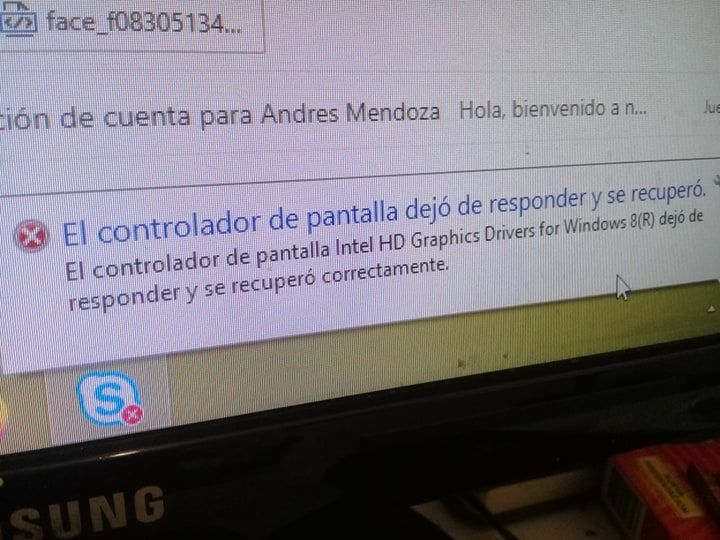
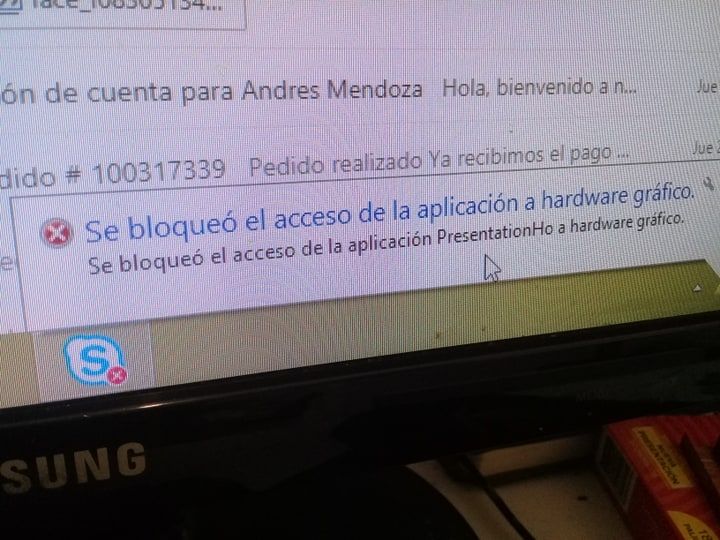
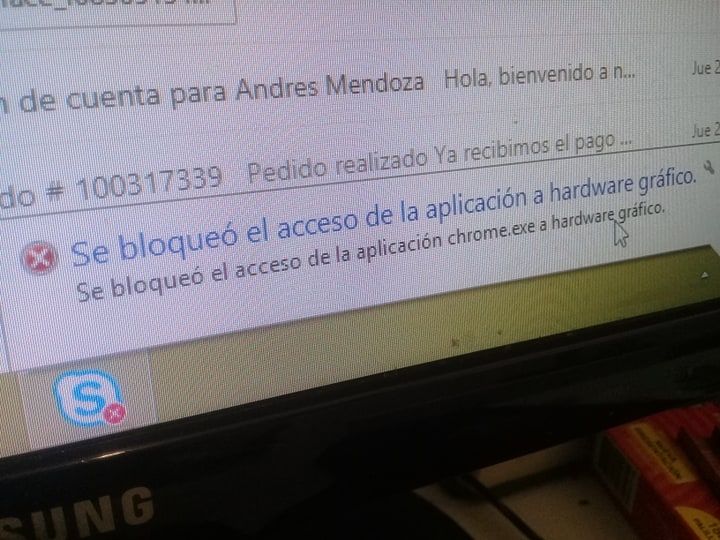
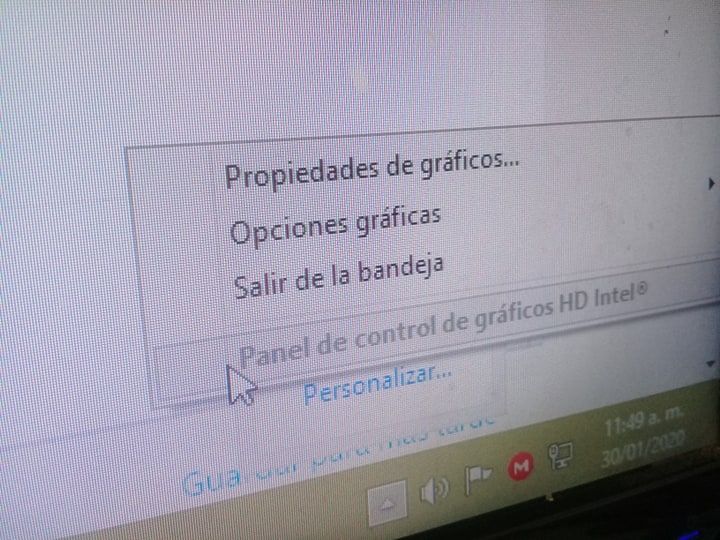
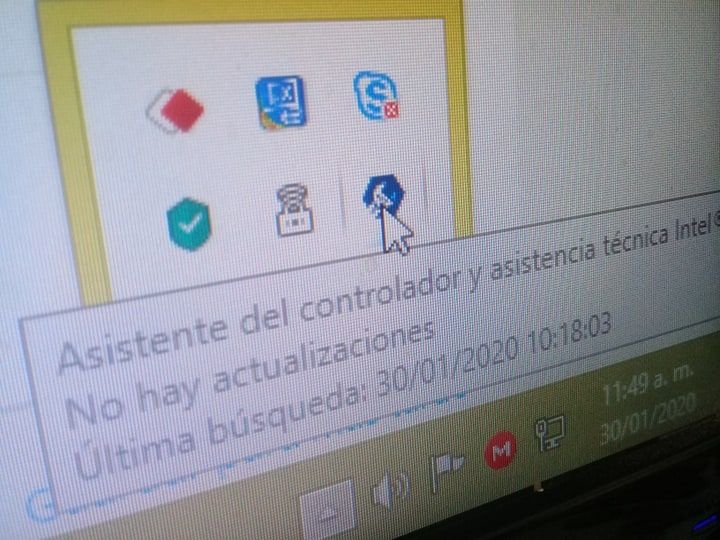
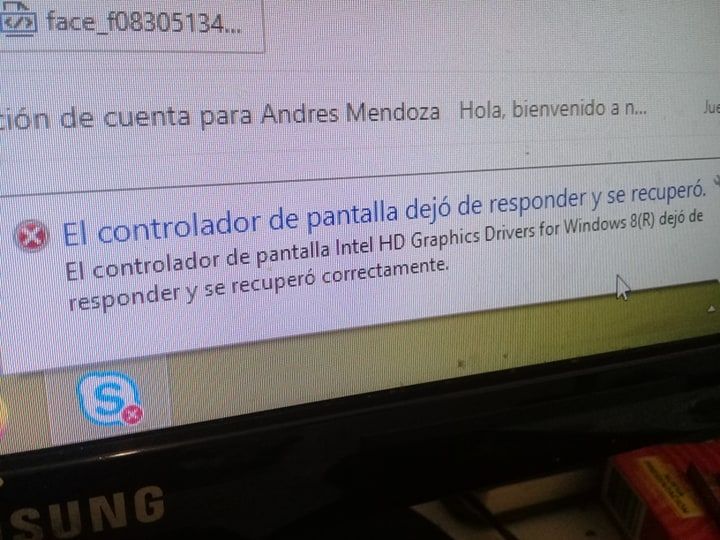
Link Copied

- Mark as New
- Bookmark
- Subscribe
- Mute
- Subscribe to RSS Feed
- Permalink
- Report Inappropriate Content
AMend32, Thank you for posting in the Intel® Communities Support.
Just to let you know, we only provide support in English language and currently, we are using a translation tool.
In order for us to provide the most accurate assistance on this matter, we just wanted to confirm a few details about your system:
What is the model of the motherboard?
What is the model of the Intel® Processor?
If this is a laptop, what is the model of it?
Is this a new computer?
Was it working fine before?
When did the issue start?
Did you make any recent hardware/software changes?
Which Windows* version are you using?
What is the Intel® Graphics driver version currently installed in the system? You can see that by getting into "Device Manager", then look for the option "Display Adapters", right-click on it, select "Properties" and then the "Driver" tab to get that information.
Regards,
Alberto R.
Intel Customer Support Technician
A Contingent Worker at Intel
- Mark as New
- Bookmark
- Subscribe
- Mute
- Subscribe to RSS Feed
- Permalink
- Report Inappropriate Content
Hello AMend32, I just wanted to check if you saw the information posted previously and if you need further assistance on this matter?
Regards,
Alberto R.
Intel Customer Support Technician
A Contingent Worker at Intel

- Subscribe to RSS Feed
- Mark Topic as New
- Mark Topic as Read
- Float this Topic for Current User
- Bookmark
- Subscribe
- Printer Friendly Page