
- Marcar como nuevo
- Favorito
- Suscribir
- Silenciar
- Suscribirse a un feed RSS
- Resaltar
- Imprimir
- Informe de contenido inapropiado
I recently purchased a computer, and prior to buying it, I asked if it would support dual monitors, since that is what I need. I was assured that this computer supports dual monitors. The graphics card is listed at Intel Q45/Q43 chipset. The online specifications for this chipset indicate that it supports 2 monitors.
http://ark.intel.com/products/36527 (Intel® 82Q45 Graphics and Memory Controller Hub) Specifications
http://ark.intel.com/products/36526 (Intel® 82Q43 Graphics and Memory Controller Hub) Specifications
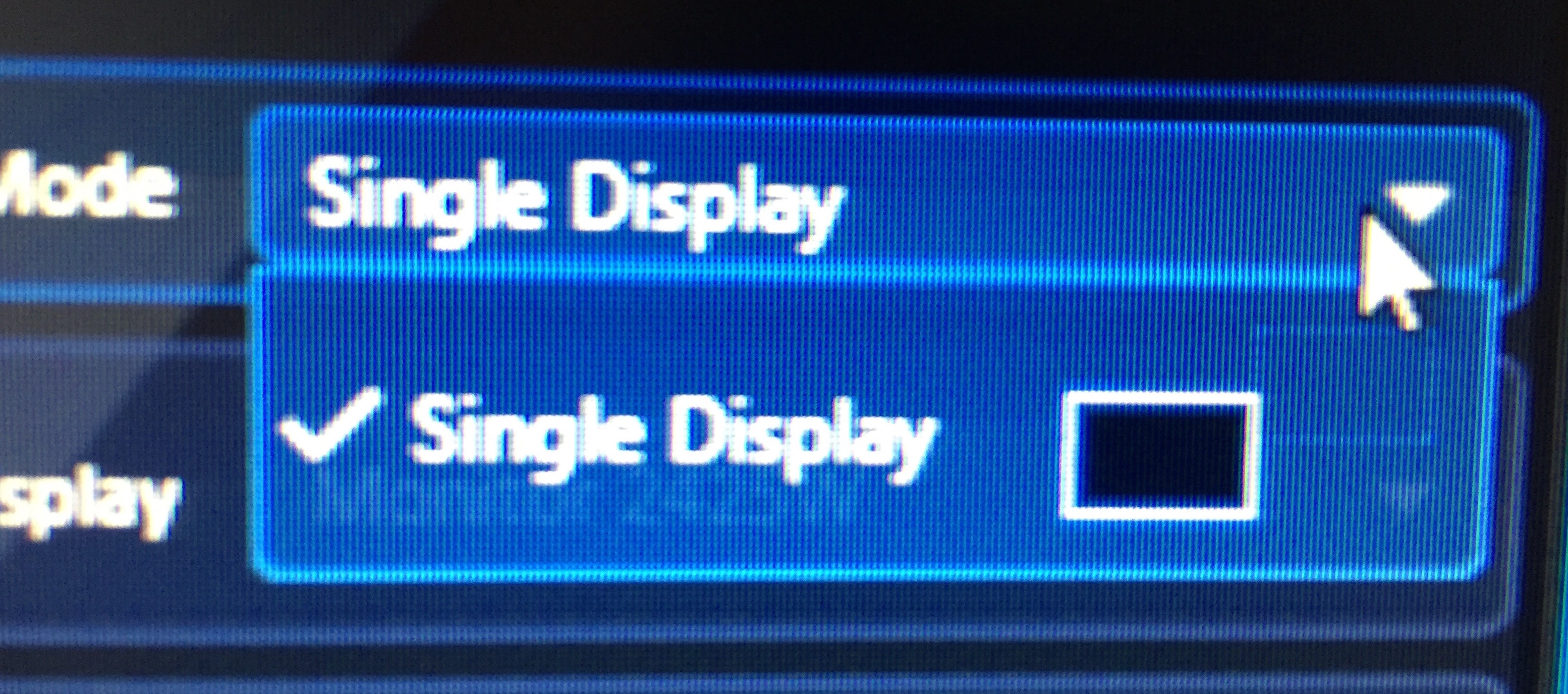
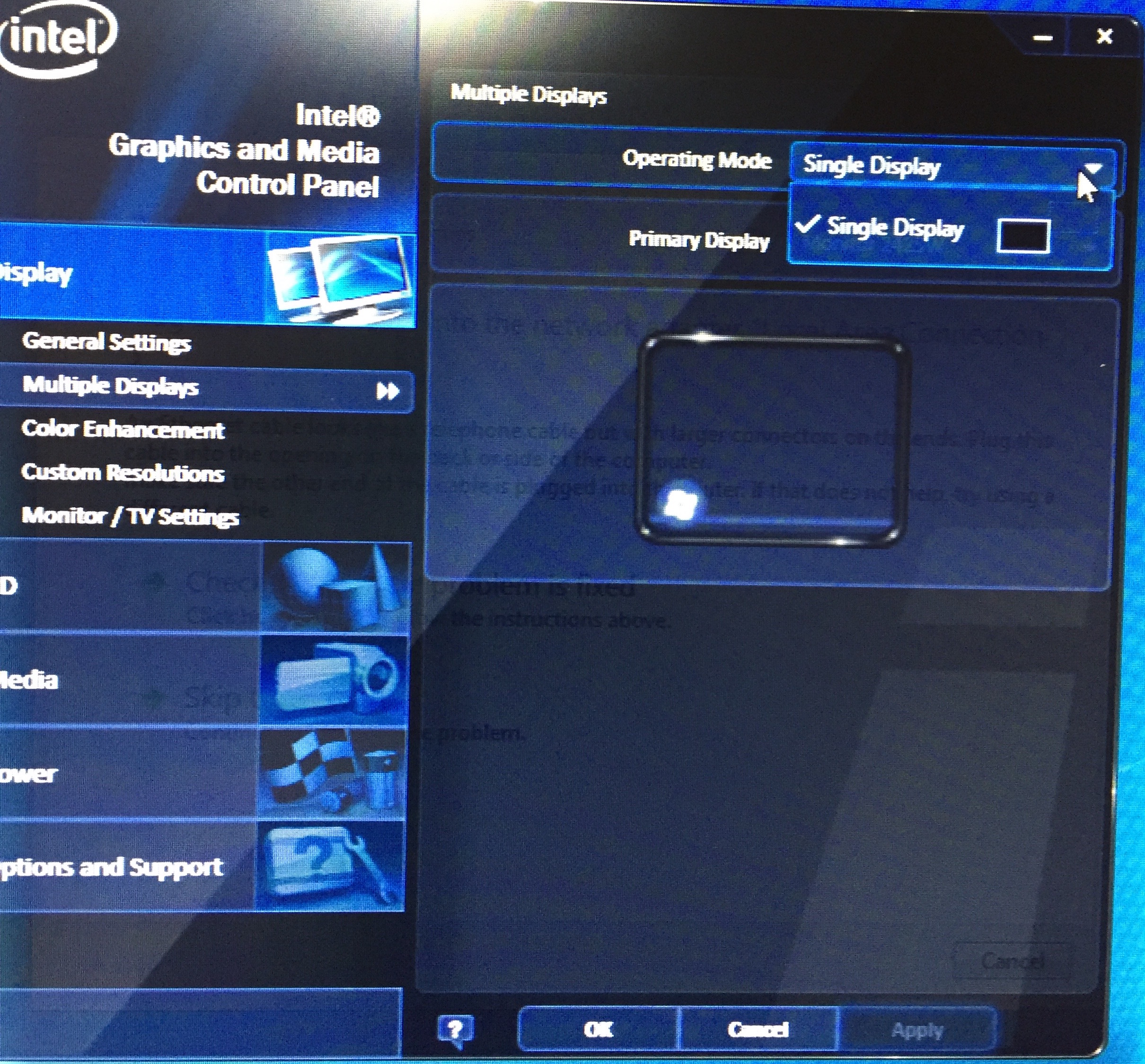
However, when I tried to set up my second monitor, the only option available to me is "Single Display." See the pics below. What am I missing? Do I need to download an updated driver?
- Etiquetas:
- Chipsets
Enlace copiado

- Marcar como nuevo
- Favorito
- Suscribir
- Silenciar
- Suscribirse a un feed RSS
- Resaltar
- Imprimir
- Informe de contenido inapropiado
Tell us more - what computer make and model, what operating system, what processor?
Doc
- Marcar como nuevo
- Favorito
- Suscribir
- Silenciar
- Suscribirse a un feed RSS
- Resaltar
- Imprimir
- Informe de contenido inapropiado
- Marcar como nuevo
- Favorito
- Suscribir
- Silenciar
- Suscribirse a un feed RSS
- Resaltar
- Imprimir
- Informe de contenido inapropiado
The good news is that Windows 7 is still supported on the Q45/43: http://www.intel.com/content/www/us/en/support/graphics-drivers/000005526.html Supported Operating Systems for Intel® Graphics Products
One of the Intel support staff will be able to help you.
Doc
- Marcar como nuevo
- Favorito
- Suscribir
- Silenciar
- Suscribirse a un feed RSS
- Resaltar
- Imprimir
- Informe de contenido inapropiado
How do I reach them?
- Marcar como nuevo
- Favorito
- Suscribir
- Silenciar
- Suscribirse a un feed RSS
- Resaltar
- Imprimir
- Informe de contenido inapropiado
They will be responding to your thread as soon as they can.
Doc
- Marcar como nuevo
- Favorito
- Suscribir
- Silenciar
- Suscribirse a un feed RSS
- Resaltar
- Imprimir
- Informe de contenido inapropiado
OK, thanks.
- Marcar como nuevo
- Favorito
- Suscribir
- Silenciar
- Suscribirse a un feed RSS
- Resaltar
- Imprimir
- Informe de contenido inapropiado
Hello dina-91,
How do you have connected the monitors, are you using displayport and VGA, are you using any adapters?
Is the monitor detected at some point, when the system is booting or something?
I believe on this computer you can connect VGA and DisplayPort, VGA and DisplayPort provide integrated dual independent monitor support, do you have it connected like this? Also you may try DisplayPort to DVI Adapter
Please let me know.
Regards,
Ivan.
- Marcar como nuevo
- Favorito
- Suscribir
- Silenciar
- Suscribirse a un feed RSS
- Resaltar
- Imprimir
- Informe de contenido inapropiado
I have the first monitor connected to the VGA port and the second connected to the HDMI port using a VGA-HDMI adapter. It does not detect the second monitor. What is the displayport? Where do I find it?
- Marcar como nuevo
- Favorito
- Suscribir
- Silenciar
- Suscribirse a un feed RSS
- Resaltar
- Imprimir
- Informe de contenido inapropiado
At this point, I suggest you to test different cable, but straight connection, a VGA cable from the machine to the monitor or an HDMI from the machine to the monitor.
We don't recommend adapters, this can interfere with the signal, and basically your system does not detect this monitor because the signal is not send through the adapter and to the monitor. To solve this issue you will need to use this set up as I have mentioned above or perhaps you can try an active adapter but it is preferable straight connection.
DisplayPort is another type of port on systems but I think yours do not have it or I'm not sure, you can learn about DisplayPort at:
http://www.pcworld.com/article/2030669/laptop-accessories/hdmi-vs-displayport-which-display-interface-reigns-supreme.html http://www.pcworld.com/article/2030669/laptop-accessories/hdmi-vs-displayport-which-display-interface-reigns-supreme.html
I know this is not what you want to hear but an adapter does not seem to be an option for you here.
Regards,
Ivan.
- Marcar como nuevo
- Favorito
- Suscribir
- Silenciar
- Suscribirse a un feed RSS
- Resaltar
- Imprimir
- Informe de contenido inapropiado
Hi,
How did you manage to setup, any specific driver used or some hardware change
- Marcar como nuevo
- Favorito
- Suscribir
- Silenciar
- Suscribirse a un feed RSS
- Resaltar
- Imprimir
- Informe de contenido inapropiado
@Kunal You are responding to a 4-year old thread. You should start a new thread

- Marcar como nuevo
- Favorito
- Suscribir
- Silenciar
- Suscribirse a un feed RSS
- Resaltar
- Imprimir
- Informe de contenido inapropiado
But, to address your question, Intel does not provide driver support for the graphics engine in the Q43/Q45 chipsets. The compatibility driver from Microsoft will allow this engine to be used, but I believe it only supports a single monitor, has other capability issues (down-rev Open-GL support, etc.) and performance problems.
...S

- Suscribirse a un feed RSS
- Marcar tema como nuevo
- Marcar tema como leído
- Flotar este Tema para el usuario actual
- Favorito
- Suscribir
- Página de impresión sencilla