
- 新着としてマーク
- ブックマーク
- 購読
- ミュート
- RSS フィードを購読する
- ハイライト
- 印刷
- 不適切なコンテンツを報告
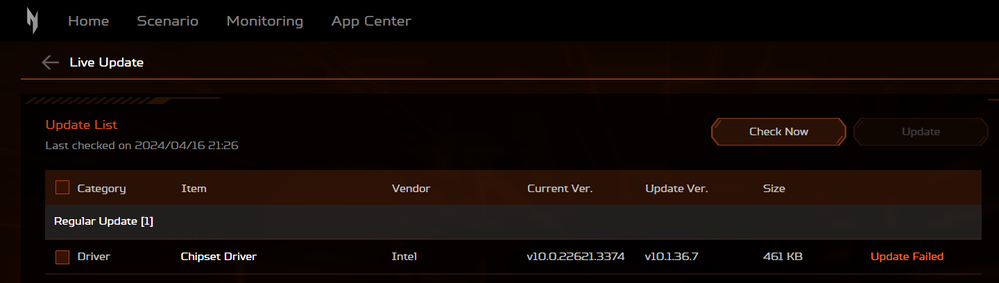
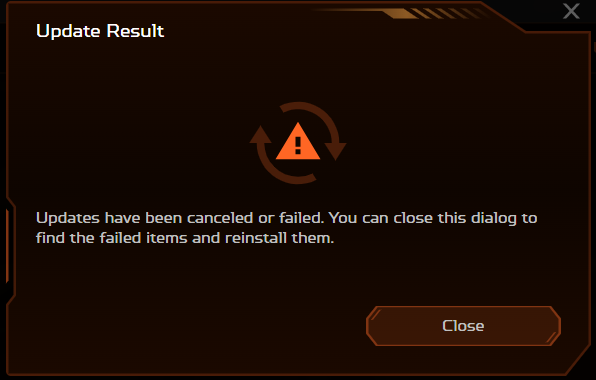
Hi guys! Why I can't update my Chipset Driver (Intel)? I'm using Acer Nitro V15, Windows 11. Thank You.
コピーされたリンク
2 返答(返信)

- 新着としてマーク
- ブックマーク
- 購読
- ミュート
- RSS フィードを購読する
- ハイライト
- 印刷
- 不適切なコンテンツを報告
Go to Acer and get the chipset device software for your device. If it does not install, ask acer for assistance.
Doc (not an Intel employee or contractor)
[If you find any Intel driver you might need, download and save it now.]

- 新着としてマーク
- ブックマーク
- 購読
- ミュート
- RSS フィードを購読する
- ハイライト
- 印刷
- 不適切なコンテンツを報告
I suggest that you clean install the package. Here is the process:
- If you haven't already, download the Chipset Device Software package in ZIP file form.
- Extract the contents of this package to a temporary folder.
- Open a Command or PowerShell Window and make this temporary folder the current folder.
- Run command ".\SetupChipset.exe -overall".
- Reboot.
If the installer is not available in ZIP file form, using a tool like 7-ZIP, attempt to open the executable as an archive and, if you can, extract the files from there.
Hope this helps,
...S
