
- Mark as New
- Bookmark
- Subscribe
- Mute
- Subscribe to RSS Feed
- Permalink
- Report Inappropriate Content
I put the intel ax210 into my laptop (Hp pavilion gaming laptop 15-ec1xxx) because the bluetooth of the previous module had stopped working. Now i have working bluetooth but the wifi part of the network adapter doesnt show up in my device manager. However there is something called the bluetooth device (Personal area network) #2 under network adapters. I know other posts exist on this issue but following along with them has not fixed my issue.
Link Copied

- Mark as New
- Bookmark
- Subscribe
- Mute
- Subscribe to RSS Feed
- Permalink
- Report Inappropriate Content
Hello!
Your Intel AX210's Wi-Fi not appearing in Device Manager, despite Bluetooth working, strongly suggests an HP BIOS whitelist issue common in HP Pavilion Gaming 15-ec series laptops, preventing the BIOS from recognizing the Wi-Fi component. While a clean driver reinstall is worth one more attempt (uninstalling all previous network/Bluetooth drivers, rebooting, then installing fresh Intel AX210 drivers), if it persists, the BIOS whitelist is almost certainly the cause. Your best options then would be to source a specific HP-branded Intel AX200 card known to be compatible or revert to your old card and use a USB Bluetooth dongle.

- Mark as New
- Bookmark
- Subscribe
- Mute
- Subscribe to RSS Feed
- Permalink
- Report Inappropriate Content
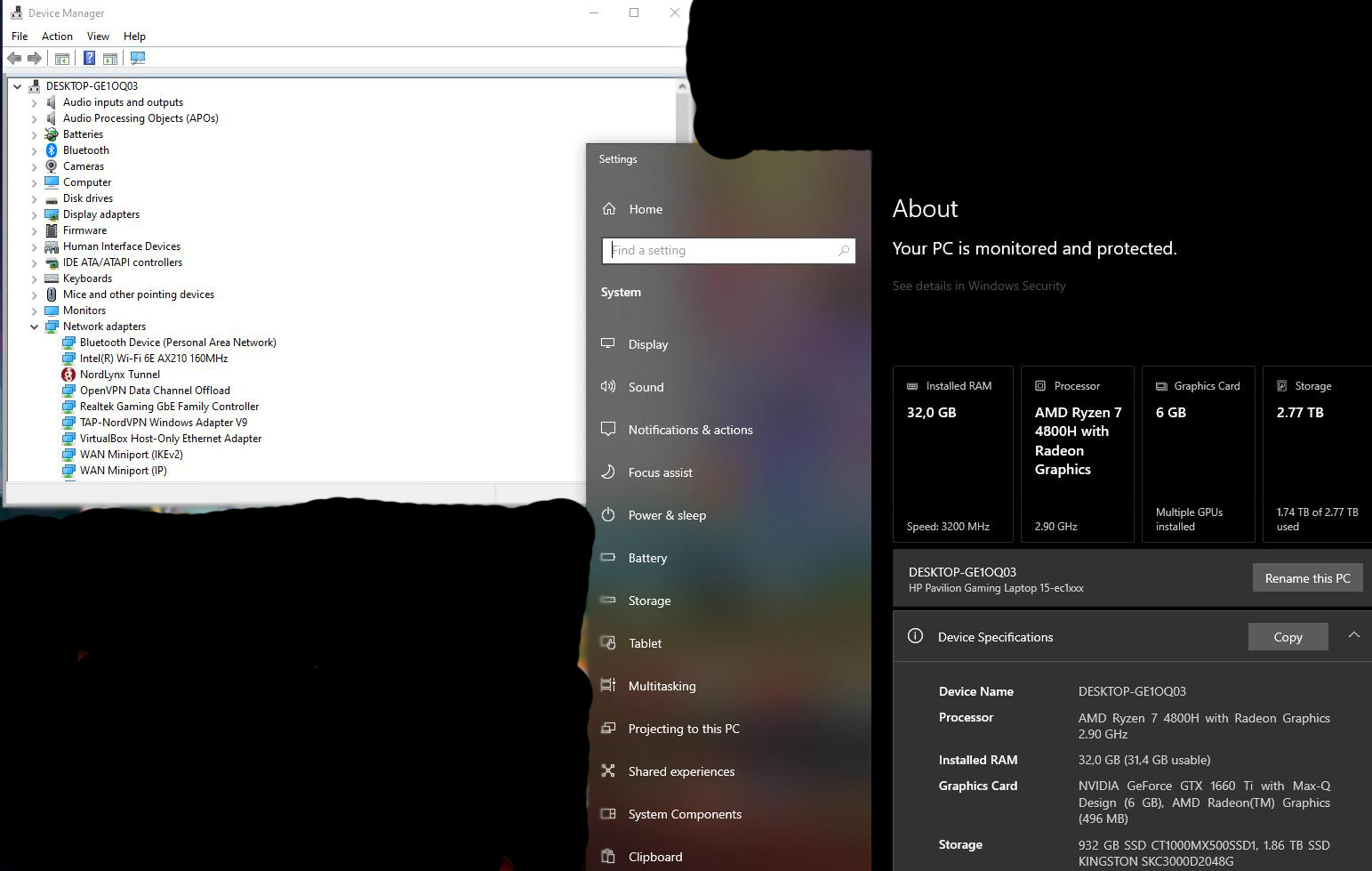
I managed to get the AX-210 card working in my HP Pavilion Gaming 15-ec1xxx with a Ryzen 7 4800H using a hot-swap technique: I turned on the laptop with the factory (and hopeless) RTL8822CE installed, entered the boot menu (Esc), swapped the card with the AX210, and then started Windows normally. As you can see, it works. This isn't a solution, but it shows that HP is using a component whitelist. Of course, HP denies this and claims that this card shouldn't work with AMD processors, which is untrue, because in the Lenovo Legion with an AMD Ryzen 7 5800H processor, they work without a problem. Strange.

- Subscribe to RSS Feed
- Mark Topic as New
- Mark Topic as Read
- Float this Topic for Current User
- Bookmark
- Subscribe
- Printer Friendly Page