
- Mark as New
- Bookmark
- Subscribe
- Mute
- Subscribe to RSS Feed
- Permalink
- Report Inappropriate Content
Hi all,
FYI - I already searched for similar post but none matches my case.
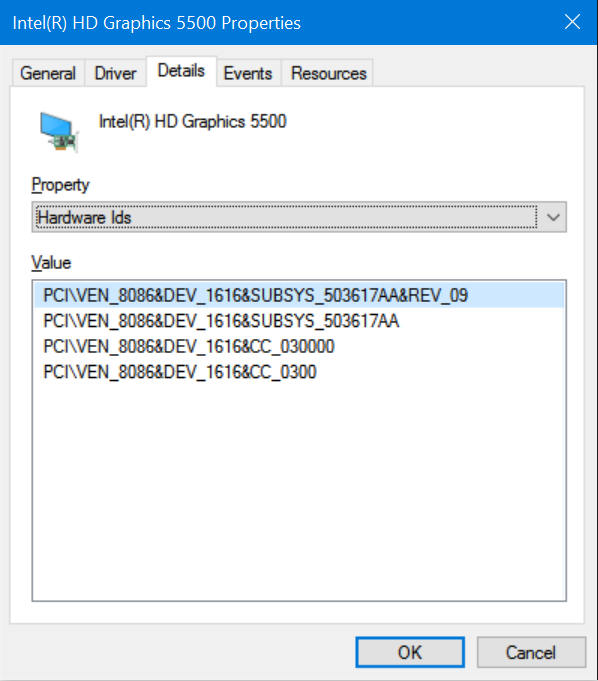
Please find all the information you need below and attached files.
Thank you!
Category
Questions
Answers (N/A if not applicable)
Description
Provide a detailed description of the issue
My laptop and extended monitor's resolution are both1920 x 1080. Text on my laptop screen looks nice but blurry on extended monitor.
<td class="SCX184572039" style="border-bottom-width: 1px; border-bottom-style: solid; border-bottom-color: # b8cce4; border-right-width: 1px; border-rig...
Link Copied
- Mark as New
- Bookmark
- Subscribe
- Mute
- Subscribe to RSS Feed
- Permalink
- Report Inappropriate Content
Hello, cuonghn8:
Please try to update the graphics driver to the following version https://downloadcenter.intel.com/download/25484/Intel-Graphics-Driver-for-Windows-7-8-1-10-15-40- Download Intel® Graphics Driver for Windows® 7/8.1/10* [15.40], I would also recommend to install the monitor driver at http://www.dell.com/support/home/us/en/19/Drivers/DriversDetails?driverId=8G83X Dell E2211H Monitor Driver Driver Details | Dell US.
Regards,
Amy.

- Subscribe to RSS Feed
- Mark Topic as New
- Mark Topic as Read
- Float this Topic for Current User
- Bookmark
- Subscribe
- Printer Friendly Page