
- Marcar como nuevo
- Favorito
- Suscribir
- Silenciar
- Suscribirse a un feed RSS
- Resaltar
- Imprimir
- Informe de contenido inapropiado
Hello,
I recently bought an Lenovo IdeaPad Slim 5 AI PC built with an Intel Core Ultra 5 125H CPU that includes Intel Arc graphics.
I have observed very slow performance working with citrix workspace remote session.
To resolve this, I have update Intel Arc Driver version to latest which is 31.0.101.5768 but this version is getting rolled back to 31.0.101.5522 with windows update of Intel Corporation - Display - 31.0.101.5522 update.
Please assist on why old version is getting pulled up by windows update and how this can be avoided.
Enlace copiado

- Marcar como nuevo
- Favorito
- Suscribir
- Silenciar
- Suscribirse a un feed RSS
- Resaltar
- Imprimir
- Informe de contenido inapropiado
- Marcar como nuevo
- Favorito
- Suscribir
- Silenciar
- Suscribirse a un feed RSS
- Resaltar
- Imprimir
- Informe de contenido inapropiado
Current version of OS is 23H2 and build is 22631.3958

- Marcar como nuevo
- Favorito
- Suscribir
- Silenciar
- Suscribirse a un feed RSS
- Resaltar
- Imprimir
- Informe de contenido inapropiado
Download and install the driver you want.
Reboot
Then, immediately run the microsoft wushowhide utility (attached) and block/hide the driver you do not want.
Doc (not an Intel employee or contractor)
[If you find any Intel driver you might need, download and save it now.]

- Marcar como nuevo
- Favorito
- Suscribir
- Silenciar
- Suscribirse a un feed RSS
- Resaltar
- Imprimir
- Informe de contenido inapropiado
I had the same problems before getting the new ARC update. What i did was to go to device manager to display adapters - right click on your graphic card - properties - go on driver tab - and click on roll back driver
This will roll back to the last version u had installed which in your case ig it was the new update and it never goes back to an older version.
- Marcar como nuevo
- Favorito
- Suscribir
- Silenciar
- Suscribirse a un feed RSS
- Resaltar
- Imprimir
- Informe de contenido inapropiado
Yes, this works with roll back to previous version but somehow after couple of day Intel Driver & Support Assistant downloads older version and need to perform manual rollback again


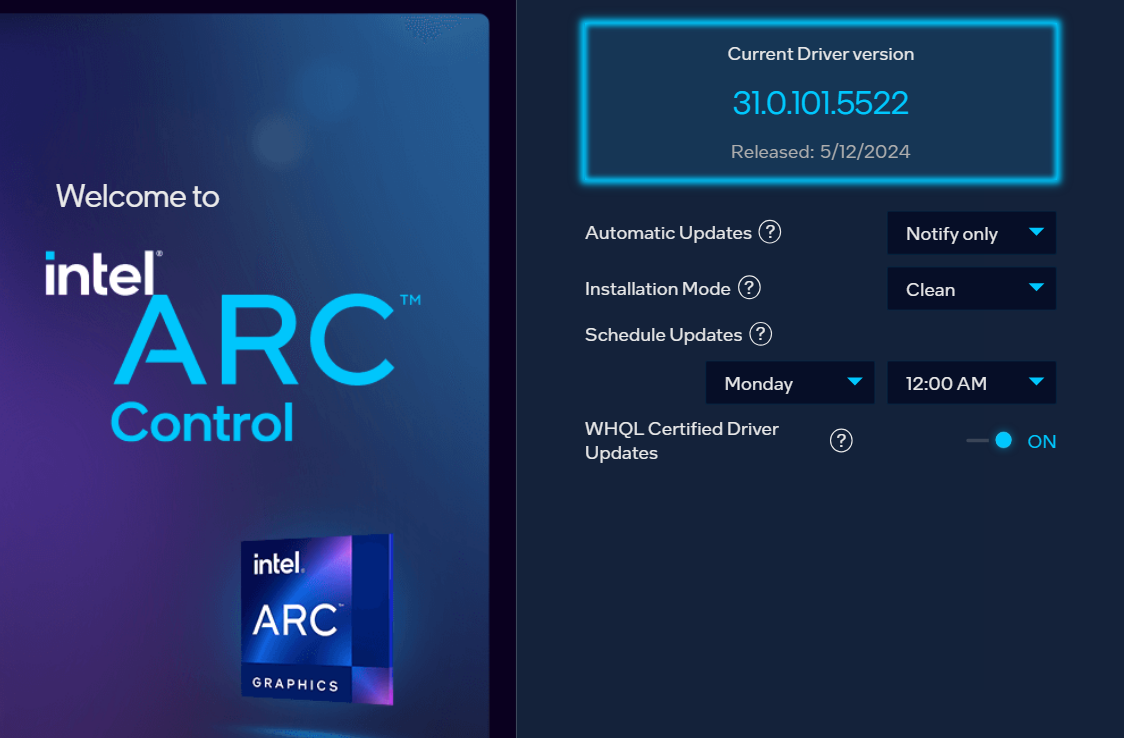

- Marcar como nuevo
- Favorito
- Suscribir
- Silenciar
- Suscribirse a un feed RSS
- Resaltar
- Imprimir
- Informe de contenido inapropiado
I have the same condition, what i did was that after windows installed the older version, I go to device manager display-right click on your graphic card - properties - go on driver tab - update driver - browse my computer for drivers - let me pick from xxxx - and choose the latest version.

- Suscribirse a un feed RSS
- Marcar tema como nuevo
- Marcar tema como leído
- Flotar este Tema para el usuario actual
- Favorito
- Suscribir
- Página de impresión sencilla