
- Mark as New
- Bookmark
- Subscribe
- Mute
- Subscribe to RSS Feed
- Permalink
- Report Inappropriate Content
I have new Huaweii matebook x pro i5 8265u UHD 620 and Nvidia MX250.
Very often while doing something in photoshop or just webbrowsing (especially on firefox) graphic driver is crushing without reason. It is not even under high stress condition. I checked today and in manager shows code 43. I have tried many things like unistalling drivers installing new one, older one, just all combinations but with no result. Even if I have the newest drivers and pressed update in manager its backing me up to dirvers from Feb 2019 (25.20.100.6578).
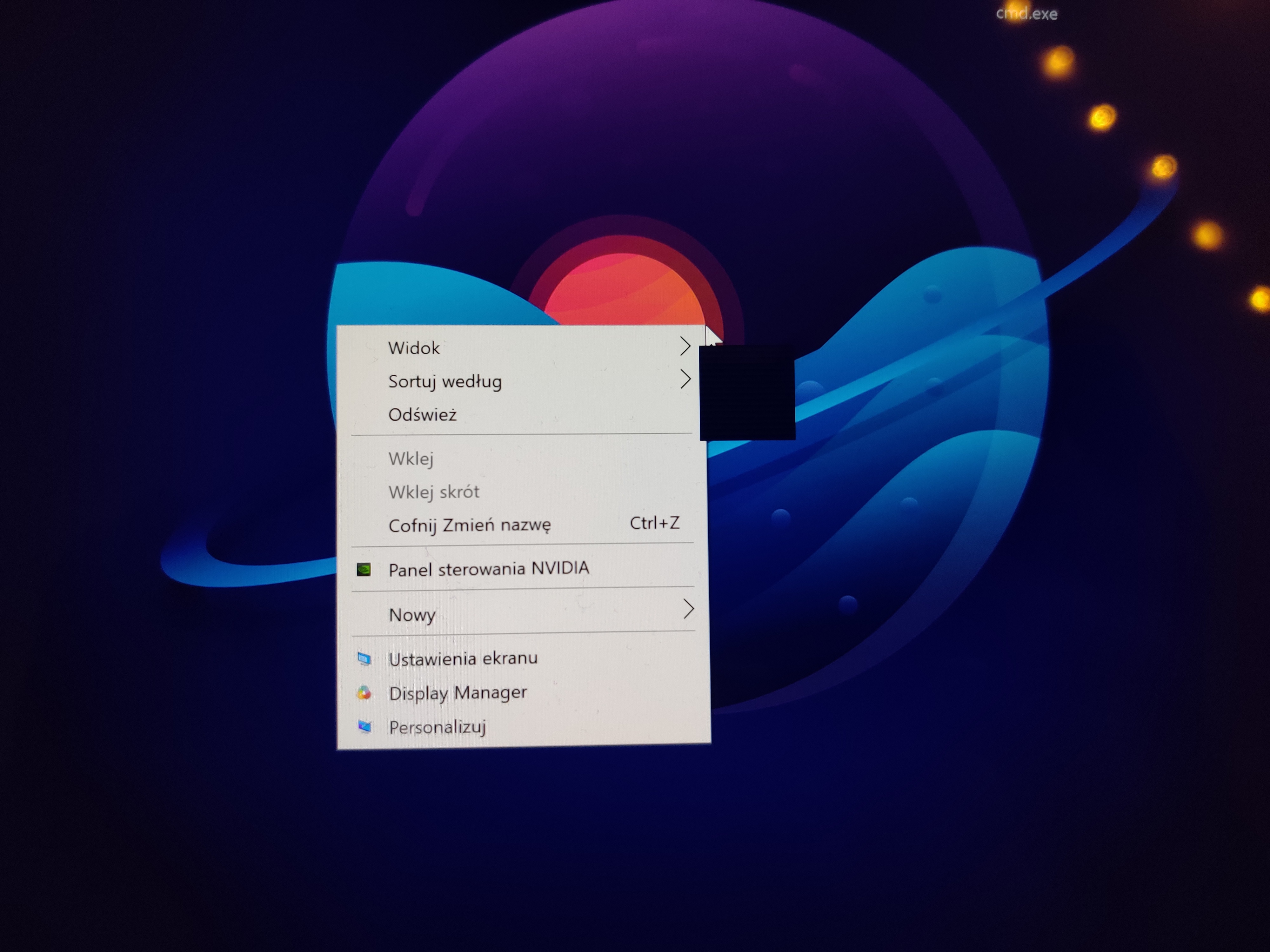
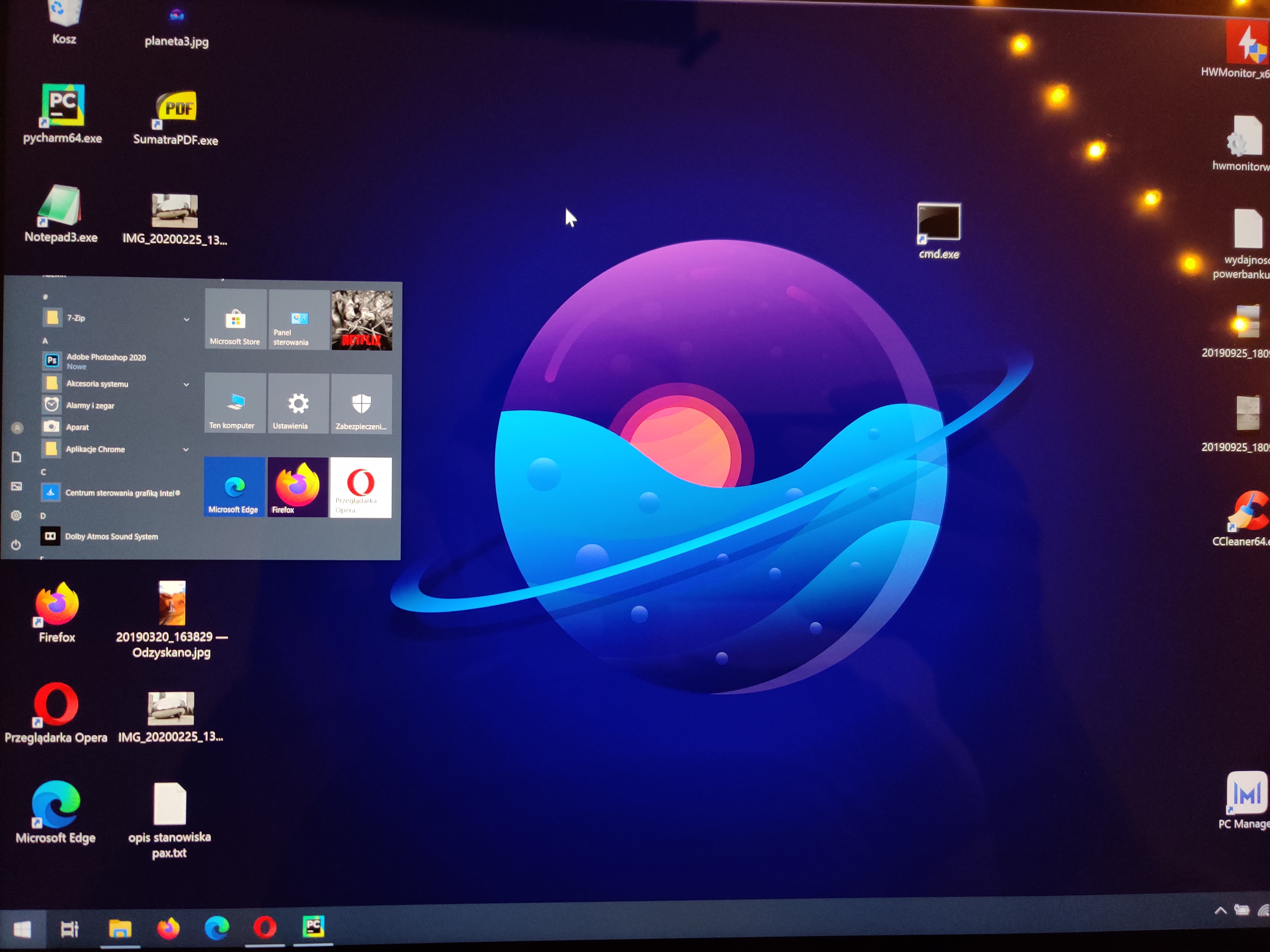
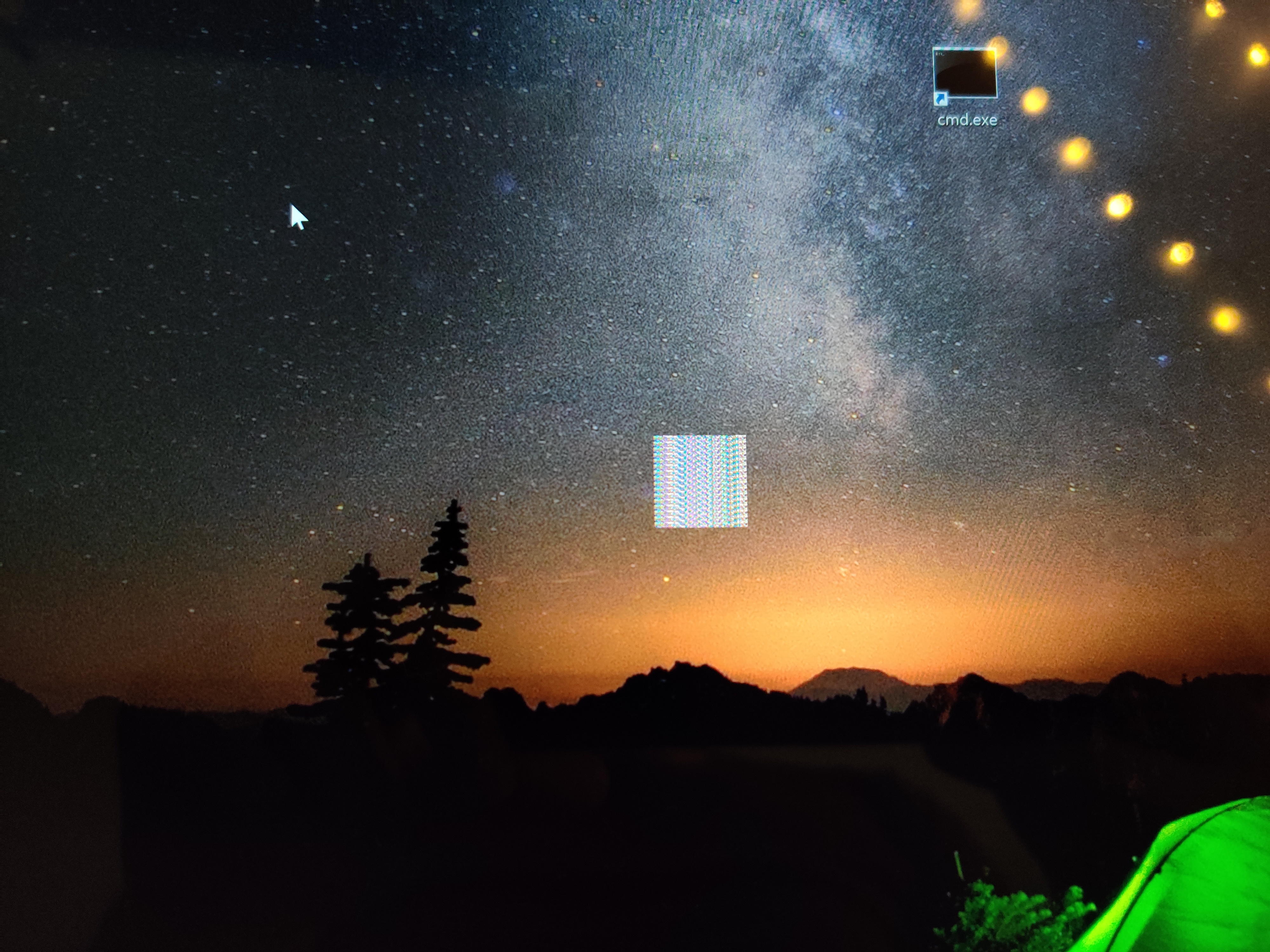
In the attachment I am sending some examples what is happening after driver crush..
Any idea whay is happening?
Link Copied


- Mark as New
- Bookmark
- Subscribe
- Mute
- Subscribe to RSS Feed
- Permalink
- Report Inappropriate Content
Download and install the latest version of the Intel HD Graphics DCH driver package (v27.20.100.8187). You can download it from here: https://downloadcenter.intel.com/download/29554/Intel-Graphics-Windows-10-DCH-Drivers.
...S
- Mark as New
- Bookmark
- Subscribe
- Mute
- Subscribe to RSS Feed
- Permalink
- Report Inappropriate Content
Also, make sure you have the latest BIOS for this laptop installed.
...S
- Mark as New
- Bookmark
- Subscribe
- Mute
- Subscribe to RSS Feed
- Permalink
- Report Inappropriate Content
I will try to update it, but i Was doing so many times, that i lose my faith in that..im wondering if its not a hardware problem?
My bios suprisingly is newer than available on huawei website...
- Mark as New
- Bookmark
- Subscribe
- Mute
- Subscribe to RSS Feed
- Permalink
- Report Inappropriate Content
Still te same isuues even If I have the newest drivers I see artefacts after crush...Any ideas? Might it be hardware vram issue?
- Mark as New
- Bookmark
- Subscribe
- Mute
- Subscribe to RSS Feed
- Permalink
- Report Inappropriate Content
Well, since the VRAM is just a portion of your DRAM, this would point to there being some bad DRAM. I would run something like MemTest86+ and see what it finds. The longer you let it run the better the results.
...S
- Mark as New
- Bookmark
- Subscribe
- Mute
- Subscribe to RSS Feed
- Permalink
- Report Inappropriate Content
I did a windows diagnostic memory, and all test are good...as this graphic is integrated in one chip with processor maybe there is a problem? Or "just" some system incompatibility?
- Mark as New
- Bookmark
- Subscribe
- Mute
- Subscribe to RSS Feed
- Permalink
- Report Inappropriate Content
That's a mickey mouse test. Run something like MemTest86+.
..S
- Mark as New
- Bookmark
- Subscribe
- Mute
- Subscribe to RSS Feed
- Permalink
- Report Inappropriate Content
For now I changed page file for controlled by system, and it seems to be ok, but it sonsumes quite big portion of data from my ssd..

- Subscribe to RSS Feed
- Mark Topic as New
- Mark Topic as Read
- Float this Topic for Current User
- Bookmark
- Subscribe
- Printer Friendly Page