
I am testing D415 and SR300 using RealSense Viewer.
In RealSense Viewer, 2D and 3D scene from SR300 have no problem.
But, 2D and 3D scene from D415 is weird.
There is a black area in depth stream.
In that region, distance is zero.
In 3D scene, it seems color stream and depth stream are not match.
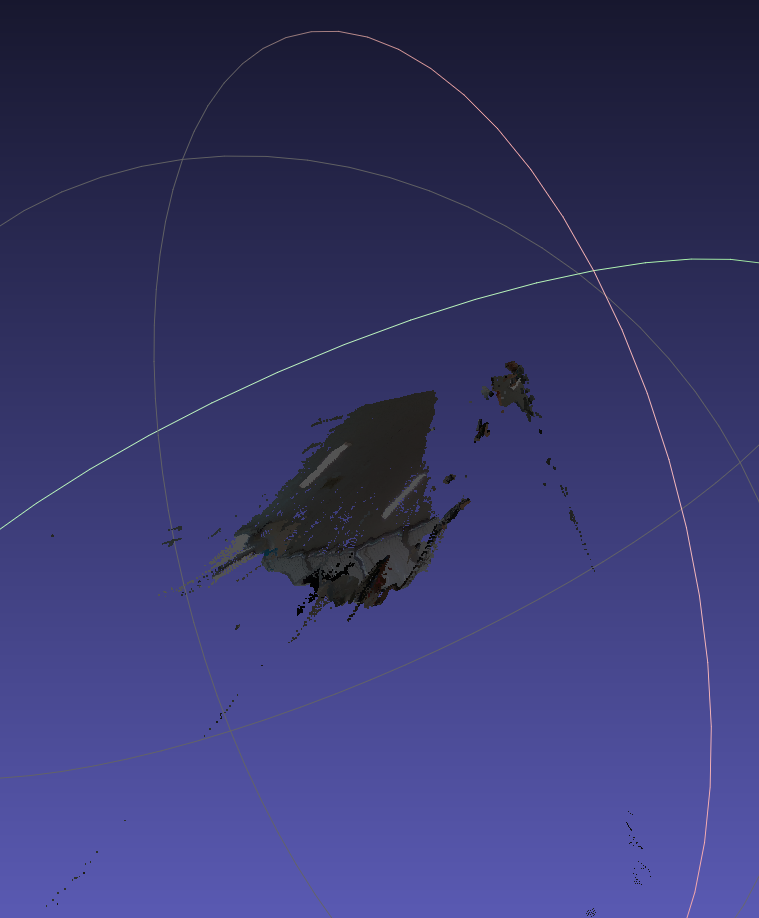
Ply cloud point data acquired from 3D view is weird when i open it in meshlab.
There is no problem like this for SR300.
What is a problem and what do i have to do to acquire right data?

That looks normal to me. The reason your head looks small is because it is compared to the background and the view needs to fit everything in to the same scale, and the reason for the black region is a) the camera can't see through your head, and b) an effect known as 'occlusion' - the depth and colour cameras are in different physical positions so can't see the all the same parts of the scene. Hold something close to your face and open one eye at a time to understand this!
The point cloud will look a little weird when there's such a range in view (you up close and the background far away). The camera error increases as the distance gets further too so you'll likely have lots of outlying points in the long range. I'd suggest trimming the min/max distance if you only want near or far range.
链接已复制



I recreated your test with my own D415 and got exactly the same black offset area in 3D point-cloud mode. I tried every single setting in the Viewer and nothing affected the shadow image, so I have to assume that it is a normal product of 400 Series camera point clouds. If you look at the image in the sample program linked to below, you can see that the objects in the scene have the same black offset.
https://github.com/IntelRealSense/librealsense/tree/master/examples/multicam librealsense/examples/multicam at master · IntelRealSense/librealsense · GitHub
It should be taken into account that the SR300 and 400 Series do not use the same technology. SR300 uses a type of sensing called Coded Light, like Microsoft's original Kinect camera. The 400 Series, meanwhile, use Stereo imaging technology, with a pair of left and right IR imagers.
That looks normal to me. The reason your head looks small is because it is compared to the background and the view needs to fit everything in to the same scale, and the reason for the black region is a) the camera can't see through your head, and b) an effect known as 'occlusion' - the depth and colour cameras are in different physical positions so can't see the all the same parts of the scene. Hold something close to your face and open one eye at a time to understand this!
The point cloud will look a little weird when there's such a range in view (you up close and the background far away). The camera error increases as the distance gets further too so you'll likely have lots of outlying points in the long range. I'd suggest trimming the min/max distance if you only want near or far range.
