
- Mark as New
- Bookmark
- Subscribe
- Mute
- Subscribe to RSS Feed
- Permalink
- Report Inappropriate Content
I installed VTune and I checked out the article about sampling driver setup.
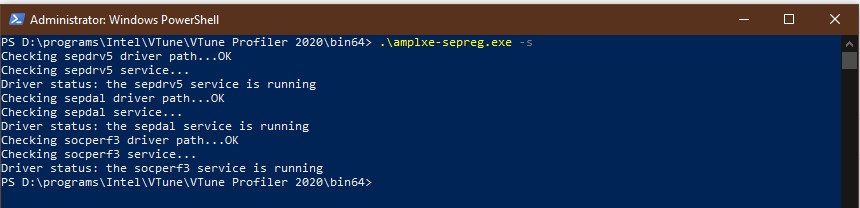
I executed the command for driver setup in PS and the output says that driver is ok, but:
- I did it from 64 bit dir because there is no such program in 32 bit dir;
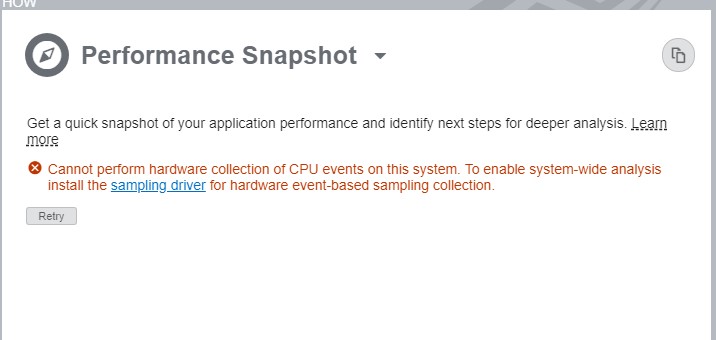
- the VTune is keeping complaining about lack of sampling driver.
How can I fix it?
I attached the screens:
- VTune complains about lack of sampling driver;
- Successful driver status via tool from 64 bit folder;
- Failed attempts to launch tool from 32 bit folder.
It seems like I did something wrong but I didn't find any similar issue via google.
- Mark as New
- Bookmark
- Subscribe
- Mute
- Subscribe to RSS Feed
- Permalink
- Report Inappropriate Content
I'm feeling dumb right now.
I started the gui app from PS and it worked fine.
Then I tried to launch the app as I usually do but as admin and it works.
So I needed to launch it as administrator to fix the issue.
Thanks for the help and have a nice day!
Link Copied

- Mark as New
- Bookmark
- Subscribe
- Mute
- Subscribe to RSS Feed
- Permalink
- Report Inappropriate Content
Hi,
64-bit version is enough. 32-bit is for 32-bit OS-s.
Could you run 'VTUNE_DIR/bin64/sep -version'? What is output?
Could you restart VTune and try collection again?
Thanks, Kirill
- Mark as New
- Bookmark
- Subscribe
- Mute
- Subscribe to RSS Feed
- Permalink
- Report Inappropriate Content
Hello Kirill
I did what you said and attached a picture of output.
VTune restart didn't help, I tried it for a few times.
I hope that you'll help me with this
- Mark as New
- Bookmark
- Subscribe
- Mute
- Subscribe to RSS Feed
- Permalink
- Report Inappropriate Content
Hm, 'sep -version' output is fine.
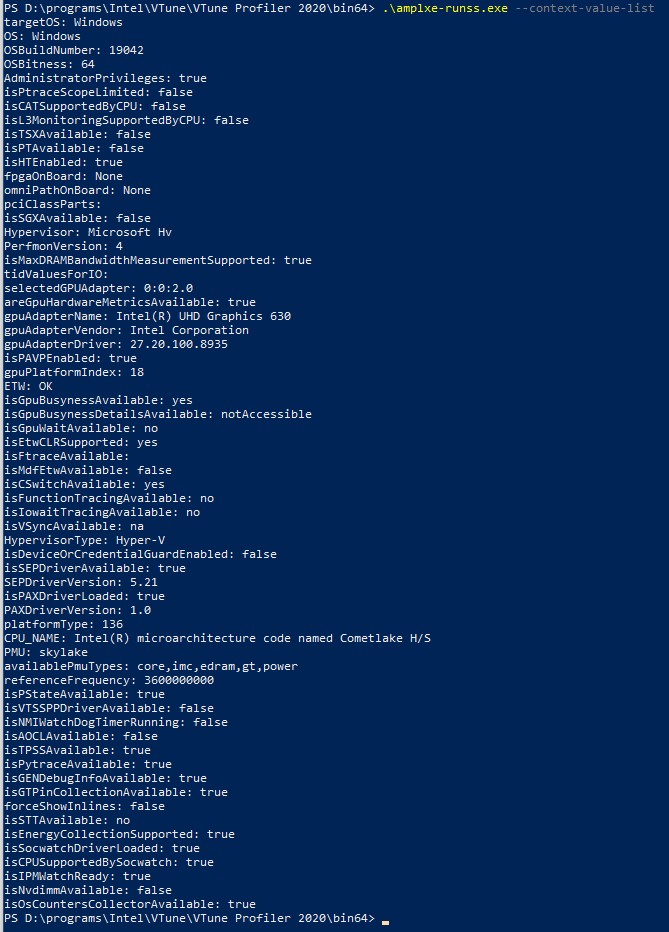
Could you try VTUNE_DIR\bin64\amplxe-runss.exe --context-value-list? Pls, attached output here.
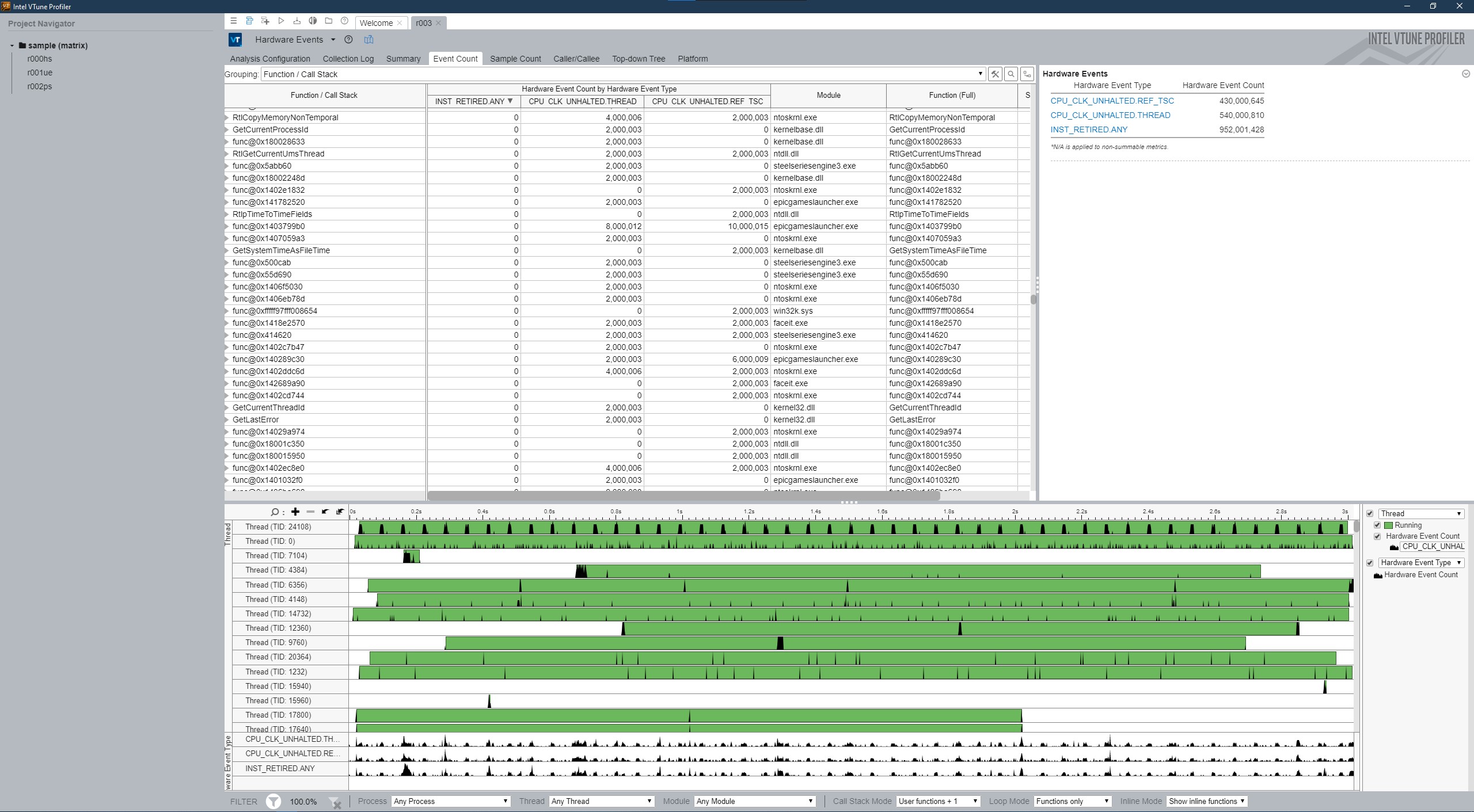
and could you run ' VTUNE_DIR\bin64\sep -start -d 3'? is it ok? is it dumped *.tb7 file?
Are both VTune and console run by the same user?
Kirill
- Mark as New
- Bookmark
- Subscribe
- Mute
- Subscribe to RSS Feed
- Permalink
- Report Inappropriate Content
I attached the output for the first command.
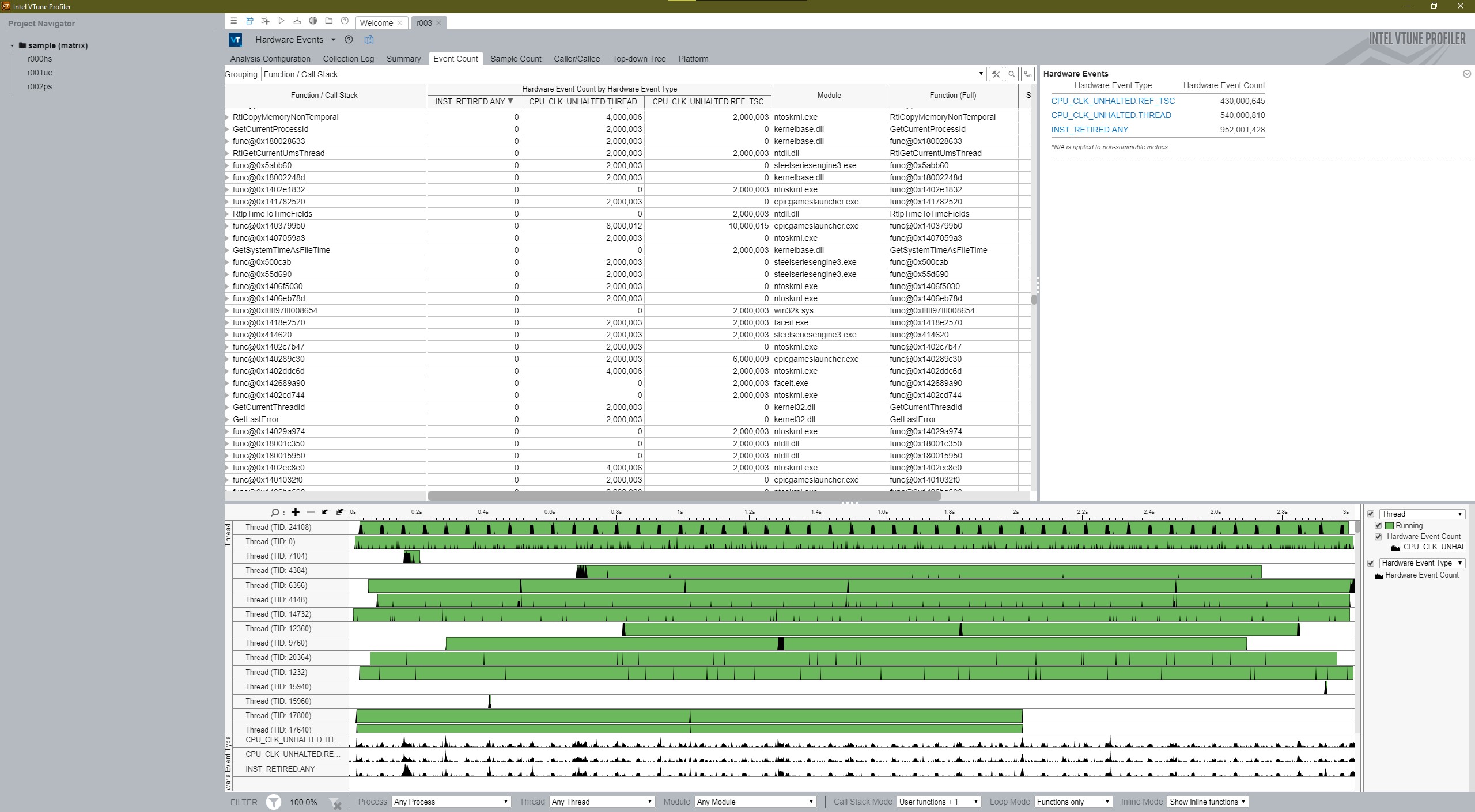
The second command dumped *.tb7 file. I've loaded it into VTune and it seems like it's ok(screens attached).
- Mark as New
- Bookmark
- Subscribe
- Mute
- Subscribe to RSS Feed
- Permalink
- Report Inappropriate Content
I'm confused. All is fine.
Could you launch VTune from console where you run sep tool? Is the error message again?
Could you change 'performance snapshot' on 'hardware hotspots', for example?
Kirill
- Mark as New
- Bookmark
- Subscribe
- Mute
- Subscribe to RSS Feed
- Permalink
- Report Inappropriate Content
I'm feeling dumb right now.
I started the gui app from PS and it worked fine.
Then I tried to launch the app as I usually do but as admin and it works.
So I needed to launch it as administrator to fix the issue.
Thanks for the help and have a nice day!






- Mark as New
- Bookmark
- Subscribe
- Mute
- Subscribe to RSS Feed
- Permalink
- Report Inappropriate Content
Hi,
Glad to know that your issue got resolved.We would no longer be monitoring this issue.Please raise a new thread incase of any further issues.
Thanks

- Subscribe to RSS Feed
- Mark Topic as New
- Mark Topic as Read
- Float this Topic for Current User
- Bookmark
- Subscribe
- Printer Friendly Page