
- Mark as New
- Bookmark
- Subscribe
- Mute
- Subscribe to RSS Feed
- Permalink
- Report Inappropriate Content
1.
| - My computer has a 'graphics driver' error, I have tried many ways to fix it but it doesn't work. The 'graphics driver' is faulty causing my 'Powerpoint' software to show an error, everything is torn diagonally. (easiest way that I can tell), and sometimes, in 'Windows' applications also appear black diagonal lines (I haven't captured them yet) | 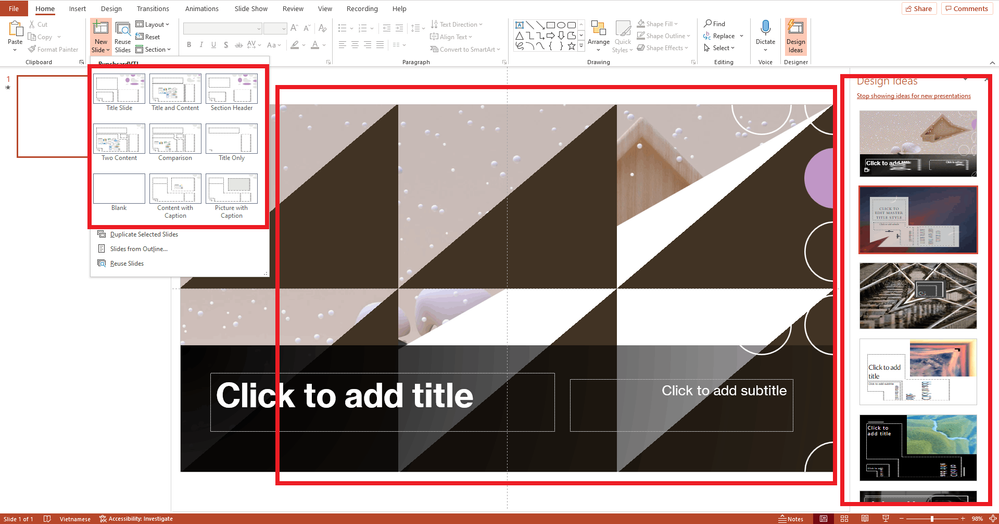 3217b333-9839-4db0-b5e1-c35c4ea12c27.png 3217b333-9839-4db0-b5e1-c35c4ea12c27.png |
------------------------
| After I removed 'graphics driver' everything was fixed including 'Powerpoint' | 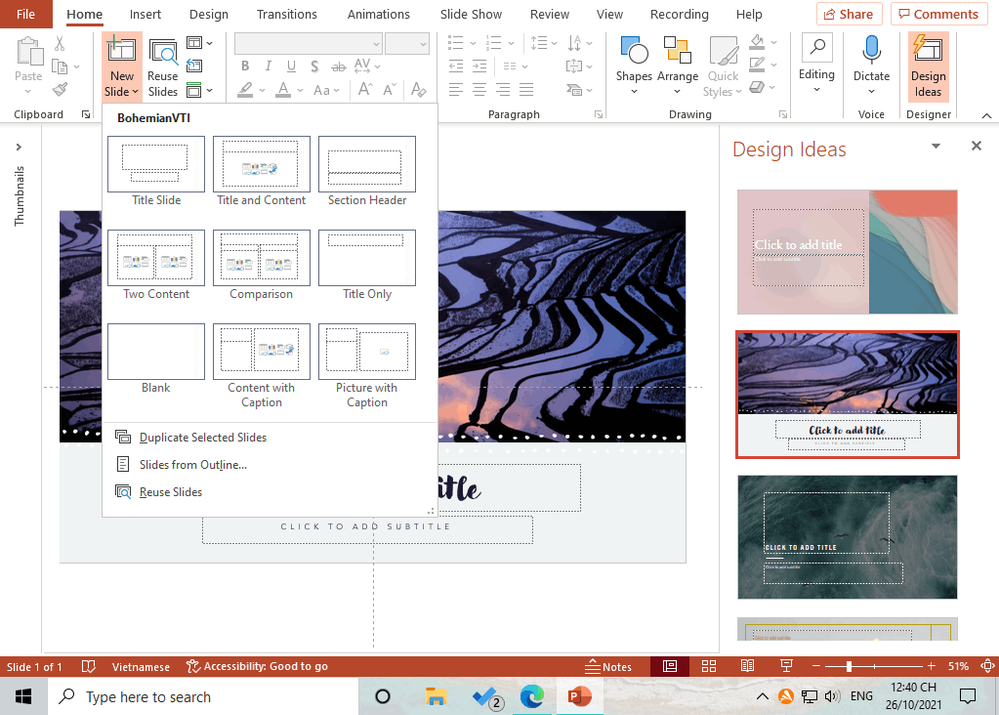 162a389b-c227-4a7a-9996-81a94a4b52ff.png 162a389b-c227-4a7a-9996-81a94a4b52ff.png |
---------------------------------------------
| However, when removing the 'graphics driver', it defaults to the old 'driver', so my monitor doesn't display the correct 'resolution' (as shown in the picture). My exact monitor is: 1920x1080 | 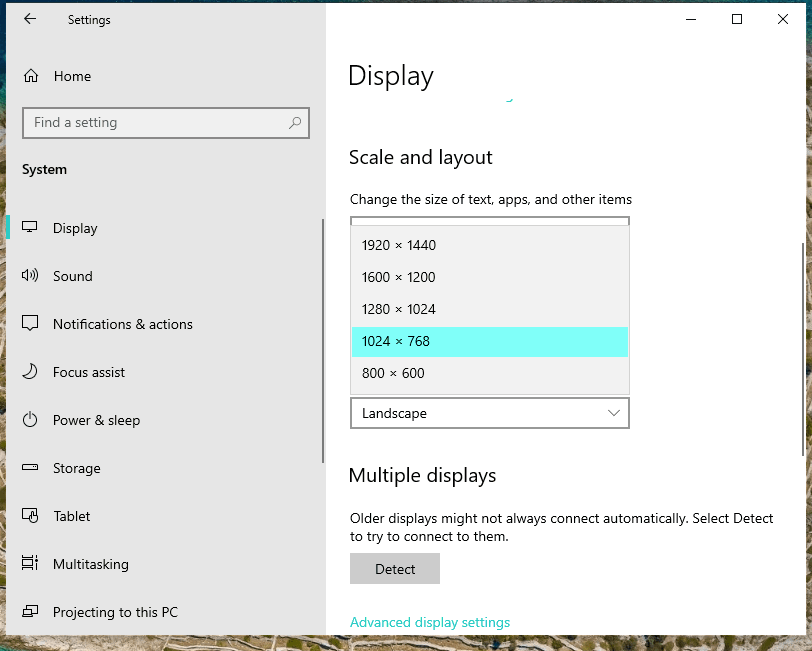 ScreenShot_20211026194305.png ScreenShot_20211026194305.png |
-------------------------------------------
Then, I need to update it, but this also defaults to causing the 'graphics driver' to fail again
-
-
-
-
|
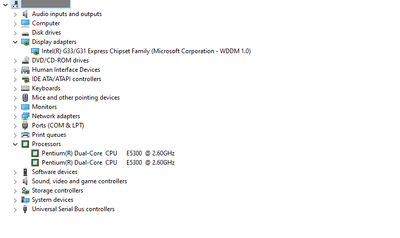
This is information about my computer: +++++++++ I need everyone's help as soon as possible so that I can return to my work with a stable computer again. Thank you so much everyone.... |
 ScreenShot_20211026194540.png ScreenShot_20211026194540.png |
Link Copied

- Mark as New
- Bookmark
- Subscribe
- Mute
- Subscribe to RSS Feed
- Permalink
- Report Inappropriate Content
Your problem is that your processor and graphics are not supported on Windows 10 or Windows 11.
It is time for you to upgrade to a new or newer system. I suggest you look for something with an 8th gen processor or later.
Doc (not an Intel employee or contractor)
[Windows 11 is the new Vista]
- Mark as New
- Bookmark
- Subscribe
- Mute
- Subscribe to RSS Feed
- Permalink
- Report Inappropriate Content
Thank you very much. About 5-6 months ago everything worked fine and no errors, is there any other way to fix the error other than having to upgrade my device. Currently, upgrading the device is a bit difficult for me in the current situation
- Mark as New
- Bookmark
- Subscribe
- Mute
- Subscribe to RSS Feed
- Permalink
- Report Inappropriate Content
If you are a desktop, you can try adding a graphics card, like an nvidia gtx 1060 or gtx 760.
Doc (not an Intel employee or contractor)
[Windows 11 is the new Vista]
- Mark as New
- Bookmark
- Subscribe
- Mute
- Subscribe to RSS Feed
- Permalink
- Report Inappropriate Content

- Subscribe to RSS Feed
- Mark Topic as New
- Mark Topic as Read
- Float this Topic for Current User
- Bookmark
- Subscribe
- Printer Friendly Page