Mobile and Desktop Processors
Intel® Core™ processors, Intel Atom® processors, tools, and utilities
Announcements
For support on Altera products please visit the Altera Community Forums.

Help

Georgiiaa
Beginner
862 Views
Hi,

So i bought a Cyberpower laptop in 2021, thought it was still under warranty, but apparently “part repair warranty” expired. I have tried contacting them about the issues im having and they say to contact Intel directly as the parts for my laptop come from them. Long story short, my laptop decided that it wasnt going to charge anymore and not turn on unless it was plugged in, even then it will not charge past 0%. The keyboard does not work anymore and the RGB lights have stopped working. I have tried an external keyboard plugged in via usb and that works but this is not a practical solution. I have tried updating my bios, resetting windows, ensuring all drivers are up to date, run virus scans (all came back clean), tried plugging my laptop in other outlets incase thats the issue, tried the compressed air incase its dusty, ive read through forums upon forums and ive found no help further than what I have already done. I need my laptop so am wondering if I need to send it in for repair, possibly need a new keyboard and battery inside my laptop? But Cyberpower have been no help and keep passing me over to everyone else. Can someone from Intel please contact me/reply to this post so I can facilitate a pick up/drop off for my laptop repair, I can not afford to buy a new laptop right now and if this is broken I cant sell it either, please someone help!!!

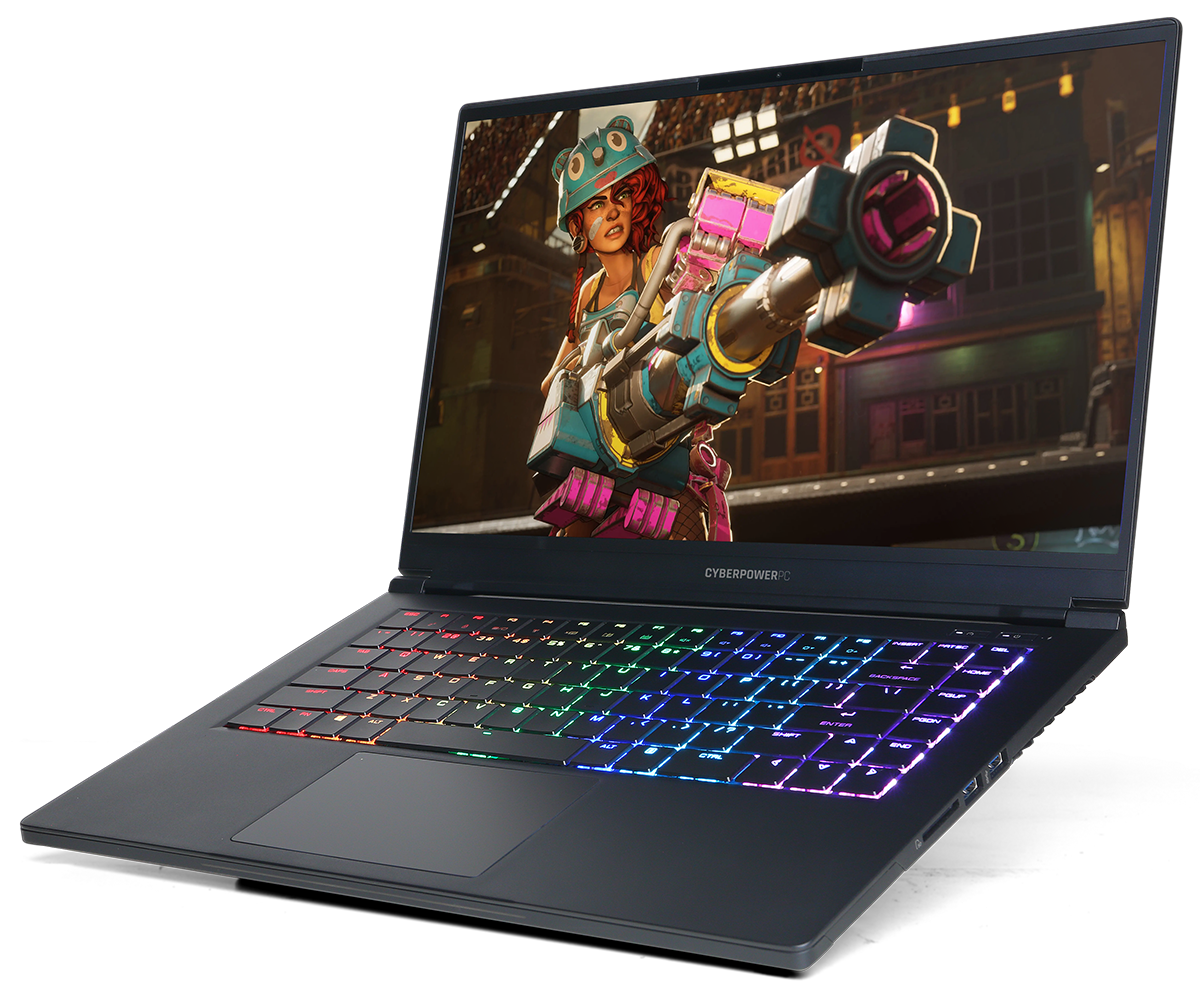
Attached is a picture of my laptop model, intel information and the email received from Cyberpower. I have a Nvidia 2060 Cyberpower Tracer Evo III i think.
0 Kudos
4 Replies
VonM_Intel
Moderator
820 Views

Hi Georgiiaa,
Thank you for posting in our Community. I appreciate the troubleshooting steps you’ve already taken, including BIOS updates, driver checks, Windows resets, and testing external keyboards, as this gives us a clear picture of the situation.

To help me determine the best path forward and assist you more effectively, I would like to clarify a few details:

  1. When you plug in the laptop, does it show any signs of charging at all, or is it completely stuck at 0% even after several hours?

  2. Have you noticed any other unusual behavior besides charging and keyboard/RGB issues, such as error lights on the motherboard, fan activity, or beep codes?

Additionally, I'd like to delve deeper and verify specifics like the graphics models, precise driver versions, and any system errors. Utilizing the Intel SSU tool will enable me to collect detailed information about your system setup, which could aid in identifying the underlying cause of this issue


I know this situation is stressful, and I'll do my best to provide guidance so you can get your system functioning again.


Have a nice day!


Best regards,

Von M.
Intel Customer Support Technician

0 Kudos
AlHill
Super User
815 Views

This is a double post.  The OPs original post was already answered.


Doc (not an Intel employee or contractor)
[CoPilot is a virus, W11 is a keystroke logger, all from MicroSlop]


0 Kudos
VonM_Intel
Moderator
693 Views

Hello @AlHill 

Thank you for sharing this information. By the way, @Georgiiaa , could you please let me know if there will be another post regarding this issue? I’d like to review it thoroughly to ensure I haven’t missed any details. Also, have you had a chance to review my previous response? Please let us know if you require any further assistance. I'm here to help.


Best regards,

Von M.
Intel Customer Support Technician

0 Kudos
VonM_Intel
Moderator
540 Views

Hello Georgiiaa,

I have not heard back from you, so I will close this inquiry now. If you need further assistance, please submit a new question as this thread will no longer be monitored.


Best regards,

Von M.
Intel Customer Support Technician

0 Kudos
Reply