
- Mark as New
- Bookmark
- Subscribe
- Mute
- Subscribe to RSS Feed
- Permalink
- Report Inappropriate Content
I replaced the panel on my laptop.
And when I first booted it, it came out normally because the driver was not caught. However,
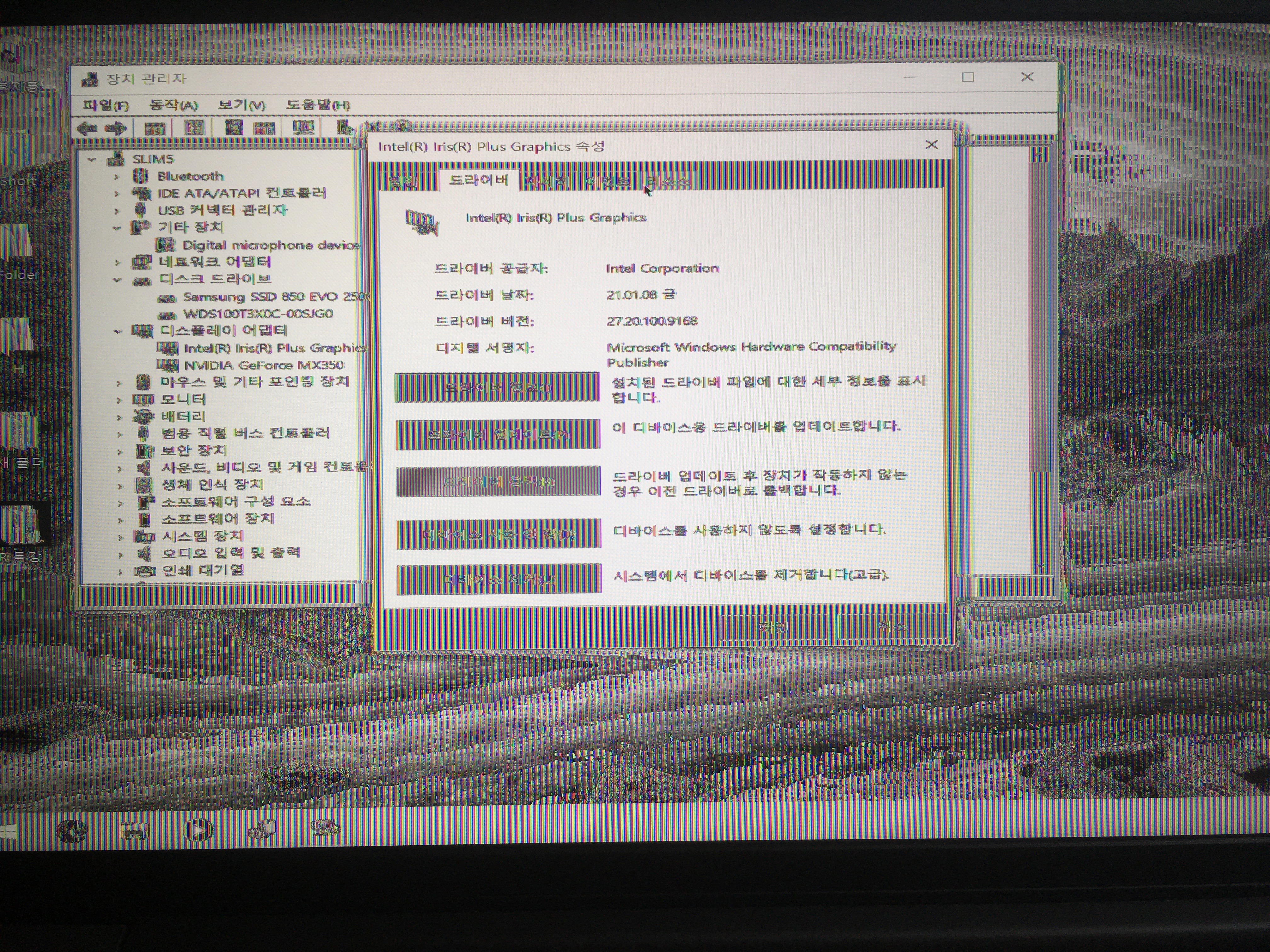
after the driver is caught, the screen appears strangely.
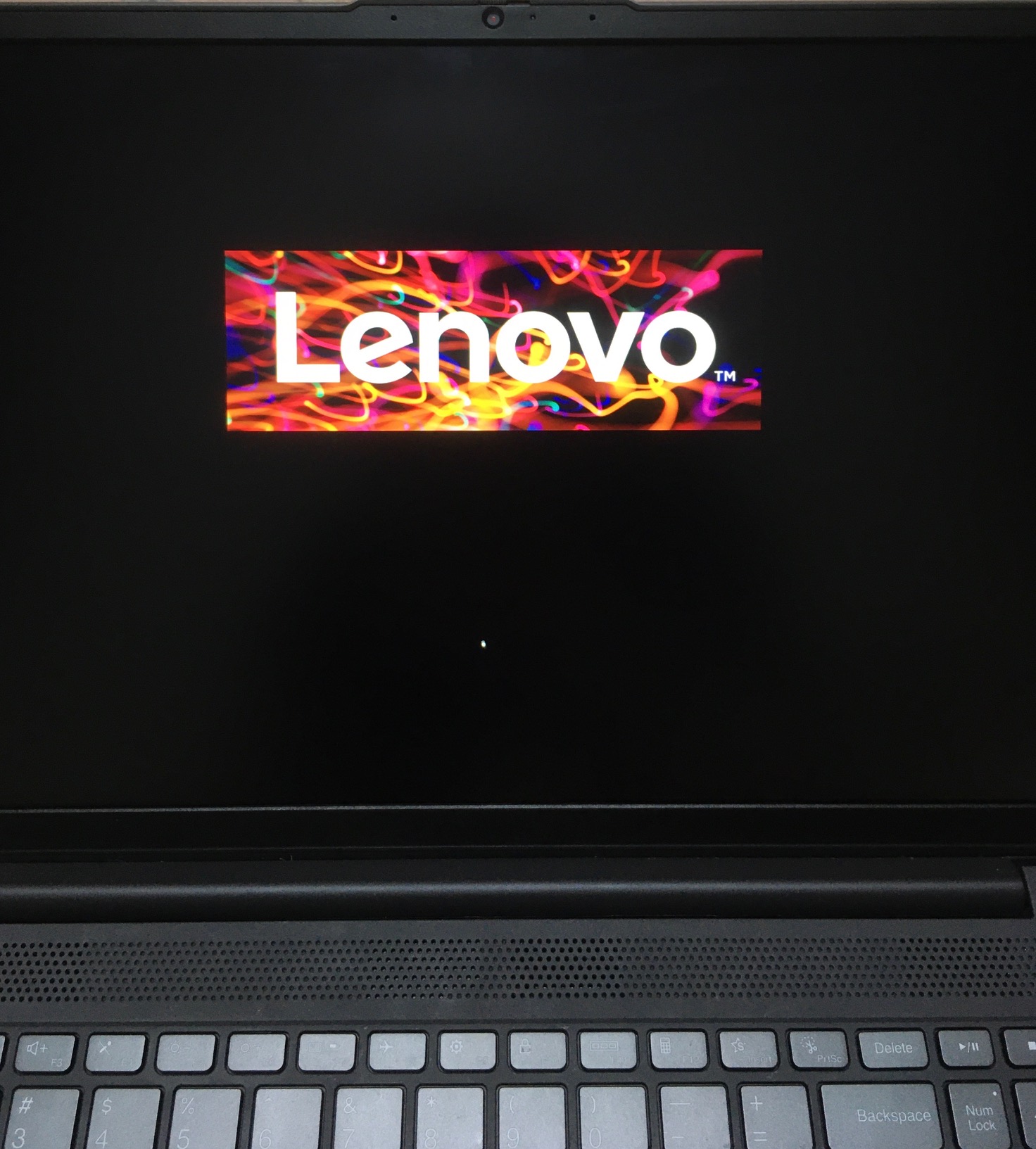
It comes out normally until the first boot screen before the window log-on display.
i tried DDU and reinstall the driver, sfc/scannow, chkdsk and format, but the screen looks weird when the driver is installed.
intel driver is disabled in the device manager, it comes out normal. but refresh rate is weird..
help me..
Link Copied

- Mark as New
- Bookmark
- Subscribe
- Mute
- Subscribe to RSS Feed
- Permalink
- Report Inappropriate Content
So the Intel support engineers can have more information about your system, Download, run, and save the results of this utility as a text file:
https://downloadcenter.intel.com/download/25293/Intel-System-Support-Utility
Then ATTACH the text file using the instructions under the reply window ( Drag and drop here or browse files to attach ).
Doc (not an Intel employee or contractor)
- Mark as New
- Bookmark
- Subscribe
- Mute
- Subscribe to RSS Feed
- Permalink
- Report Inappropriate Content
- Mark as New
- Bookmark
- Subscribe
- Mute
- Subscribe to RSS Feed
- Permalink
- Report Inappropriate Content
- Mark as New
- Bookmark
- Subscribe
- Mute
- Subscribe to RSS Feed
- Permalink
- Report Inappropriate Content
Intel(R) Iris(R) Plus Graphics
Device not started (igfxn)
PCI\VEN_8086&DEV_8A52&SUBSYS_3A3717AA&REV_07\3&11583659&0&10 had a problem starting.
Driver Name: oem27.inf
Class GUID: {4d36e968-e325-11ce-bfc1-08002be10318}
Service: igfxn
Lower Filters:
Upper Filters:
Problem: 0x0
Problem Status: 0xC00000E5



- Mark as New
- Bookmark
- Subscribe
- Mute
- Subscribe to RSS Feed
- Permalink
- Report Inappropriate Content
Your driver is out-of-date, try the latest:
- Mark as New
- Bookmark
- Subscribe
- Mute
- Subscribe to RSS Feed
- Permalink
- Report Inappropriate Content
- Mark as New
- Bookmark
- Subscribe
- Mute
- Subscribe to RSS Feed
- Permalink
- Report Inappropriate Content
Try the intermediate version from Lenovo
- Mark as New
- Bookmark
- Subscribe
- Mute
- Subscribe to RSS Feed
- Permalink
- Report Inappropriate Content

- Mark as New
- Bookmark
- Subscribe
- Mute
- Subscribe to RSS Feed
- Permalink
- Report Inappropriate Content
Incorrectly replaced screen, or incorrect screen.
Take it to the repair shop.
Doc (not an Intel employee or contractor)

- Subscribe to RSS Feed
- Mark Topic as New
- Mark Topic as Read
- Float this Topic for Current User
- Bookmark
- Subscribe
- Printer Friendly Page