
- 新着としてマーク
- ブックマーク
- 購読
- ミュート
- RSS フィードを購読する
- ハイライト
- 印刷
- 不適切なコンテンツを報告
I replaced the panel on my laptop.
And when I first booted it, it came out normally because the driver was not caught. However,
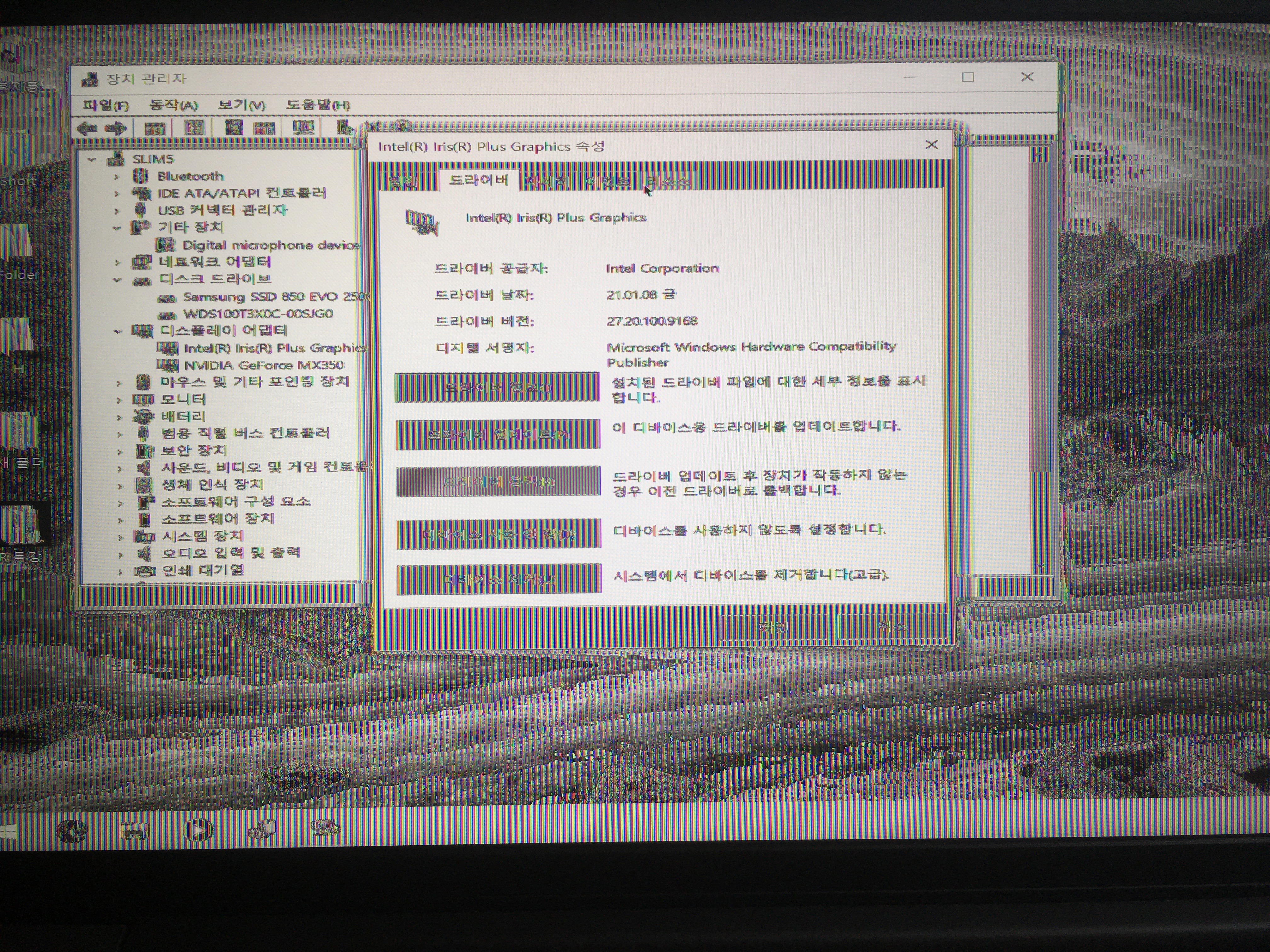
after the driver is caught, the screen appears strangely.
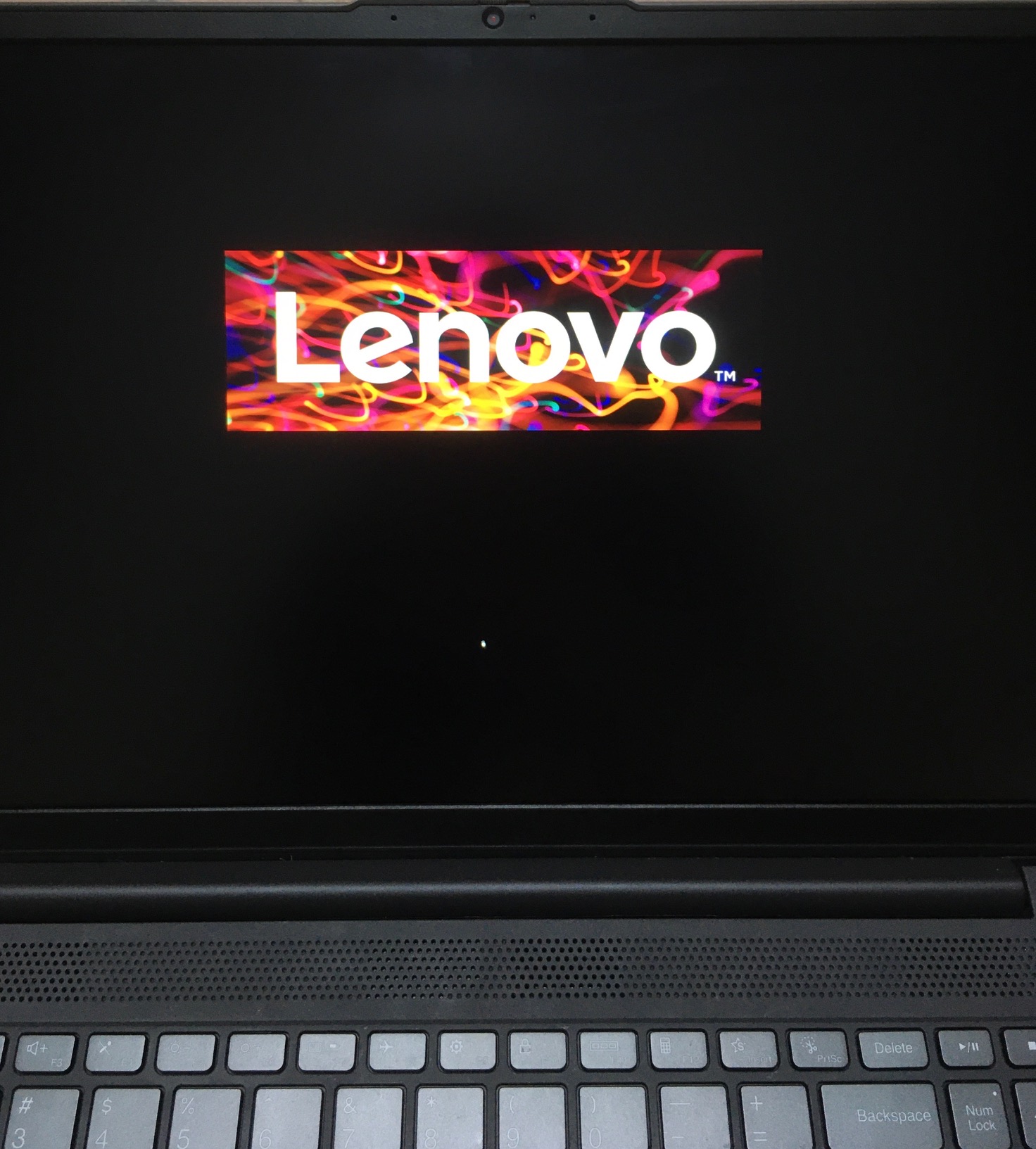
It comes out normally until the first boot screen before the window log-on display.
i tried DDU and reinstall the driver, sfc/scannow, chkdsk and format, but the screen looks weird when the driver is installed.
intel driver is disabled in the device manager, it comes out normal. but refresh rate is weird..
help me..
コピーされたリンク

- 新着としてマーク
- ブックマーク
- 購読
- ミュート
- RSS フィードを購読する
- ハイライト
- 印刷
- 不適切なコンテンツを報告
So the Intel support engineers can have more information about your system, Download, run, and save the results of this utility as a text file:
https://downloadcenter.intel.com/download/25293/Intel-System-Support-Utility
Then ATTACH the text file using the instructions under the reply window ( Drag and drop here or browse files to attach ).
Doc (not an Intel employee or contractor)
- 新着としてマーク
- ブックマーク
- 購読
- ミュート
- RSS フィードを購読する
- ハイライト
- 印刷
- 不適切なコンテンツを報告
Intel(R) Iris(R) Plus Graphics
Device not started (igfxn)
PCI\VEN_8086&DEV_8A52&SUBSYS_3A3717AA&REV_07\3&11583659&0&10 had a problem starting.
Driver Name: oem27.inf
Class GUID: {4d36e968-e325-11ce-bfc1-08002be10318}
Service: igfxn
Lower Filters:
Upper Filters:
Problem: 0x0
Problem Status: 0xC00000E5



- 新着としてマーク
- ブックマーク
- 購読
- ミュート
- RSS フィードを購読する
- ハイライト
- 印刷
- 不適切なコンテンツを報告
Your driver is out-of-date, try the latest:
- 新着としてマーク
- ブックマーク
- 購読
- ミュート
- RSS フィードを購読する
- ハイライト
- 印刷
- 不適切なコンテンツを報告
Try the intermediate version from Lenovo

- 新着としてマーク
- ブックマーク
- 購読
- ミュート
- RSS フィードを購読する
- ハイライト
- 印刷
- 不適切なコンテンツを報告
Incorrectly replaced screen, or incorrect screen.
Take it to the repair shop.
Doc (not an Intel employee or contractor)
